For hotels & hospitality
A charger that fills rooms, not just batteries.
Hotels, resorts, restaurants and cafés — free for guests, paid for everyone else.
What you need
Three things to start. Nothing for reception to run.
A charger in the car park
Any OCPP charger joins the panel in minutes — no gateway to buy.
A price for passers-by
Per kWh or per minute, in your currency.
A code for your guests
Reception hands it over, or it goes on the booking.
How it works at a hotel or restaurant
Four steps from one charger in the car park to guests who booked because of it.
Step 01
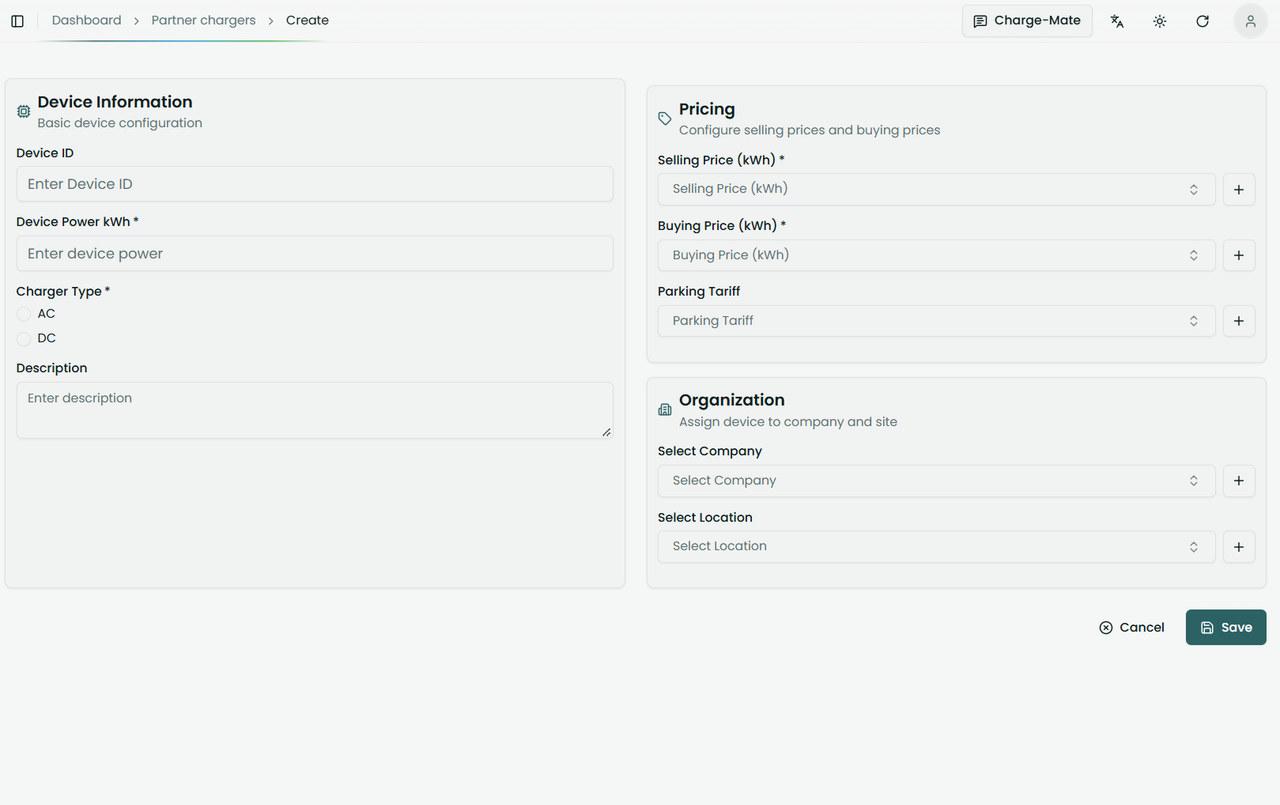
Connect the charger
Any OCPP charger joins the panel in minutes — no gateway, no new hardware.
Step 02
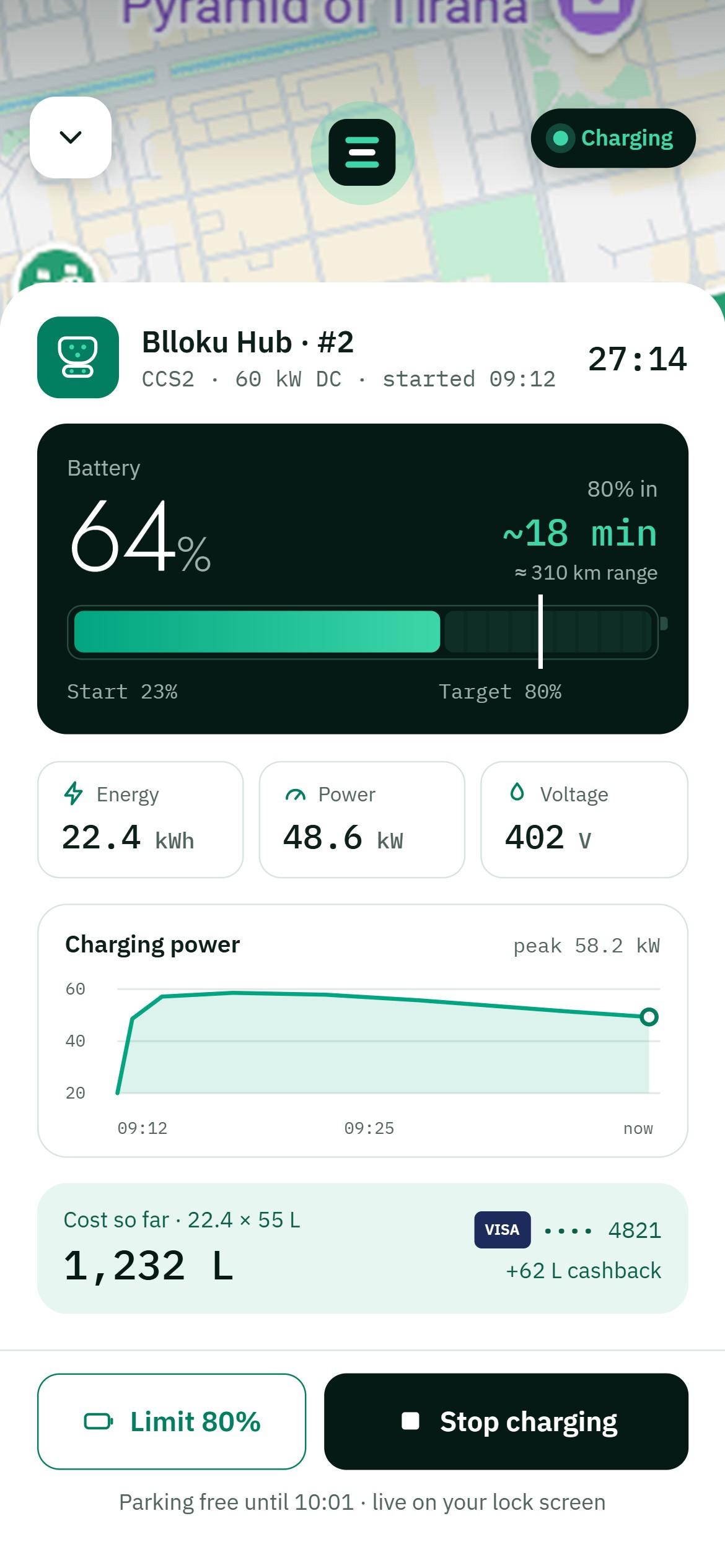
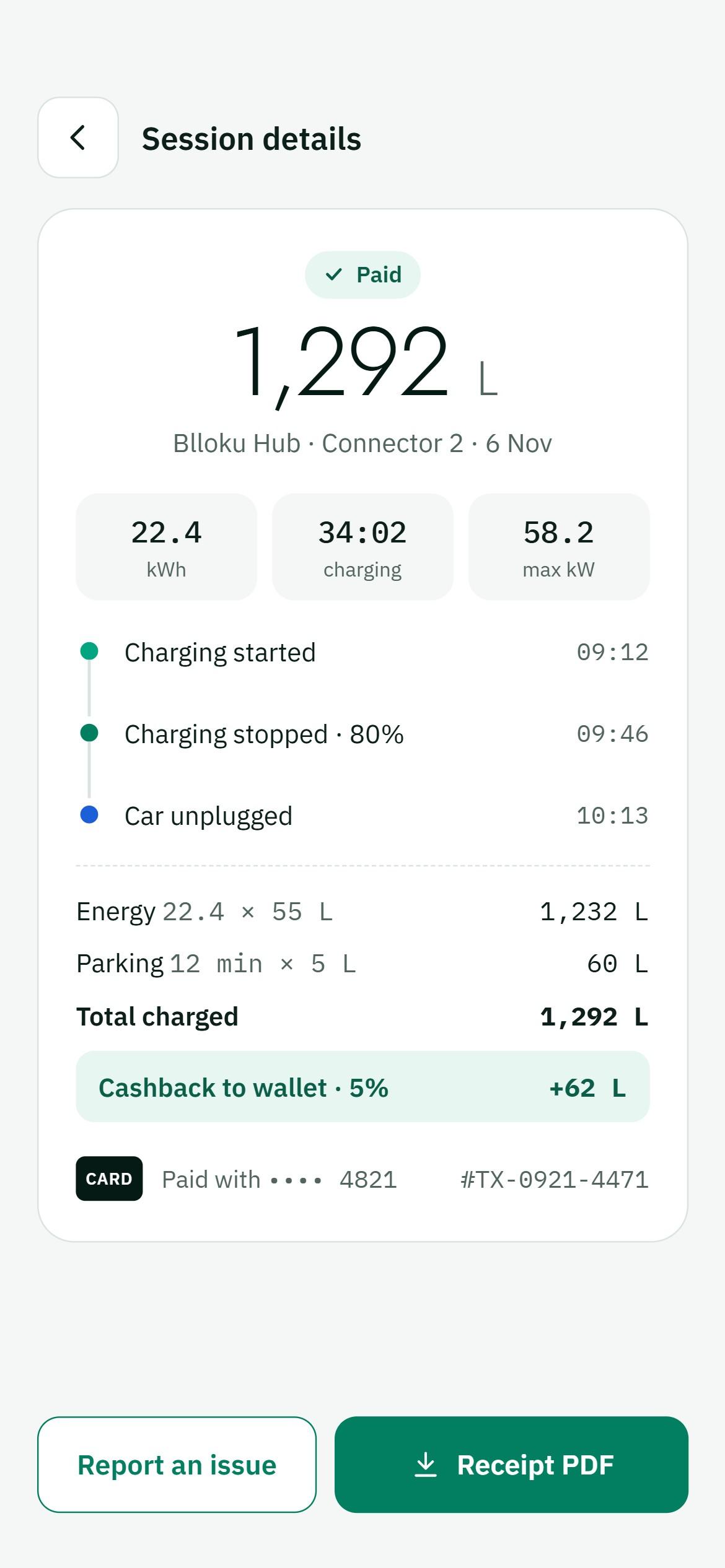
Free for your guests
Reception hands over a code and the session is billed to your account at zero.
Step 03
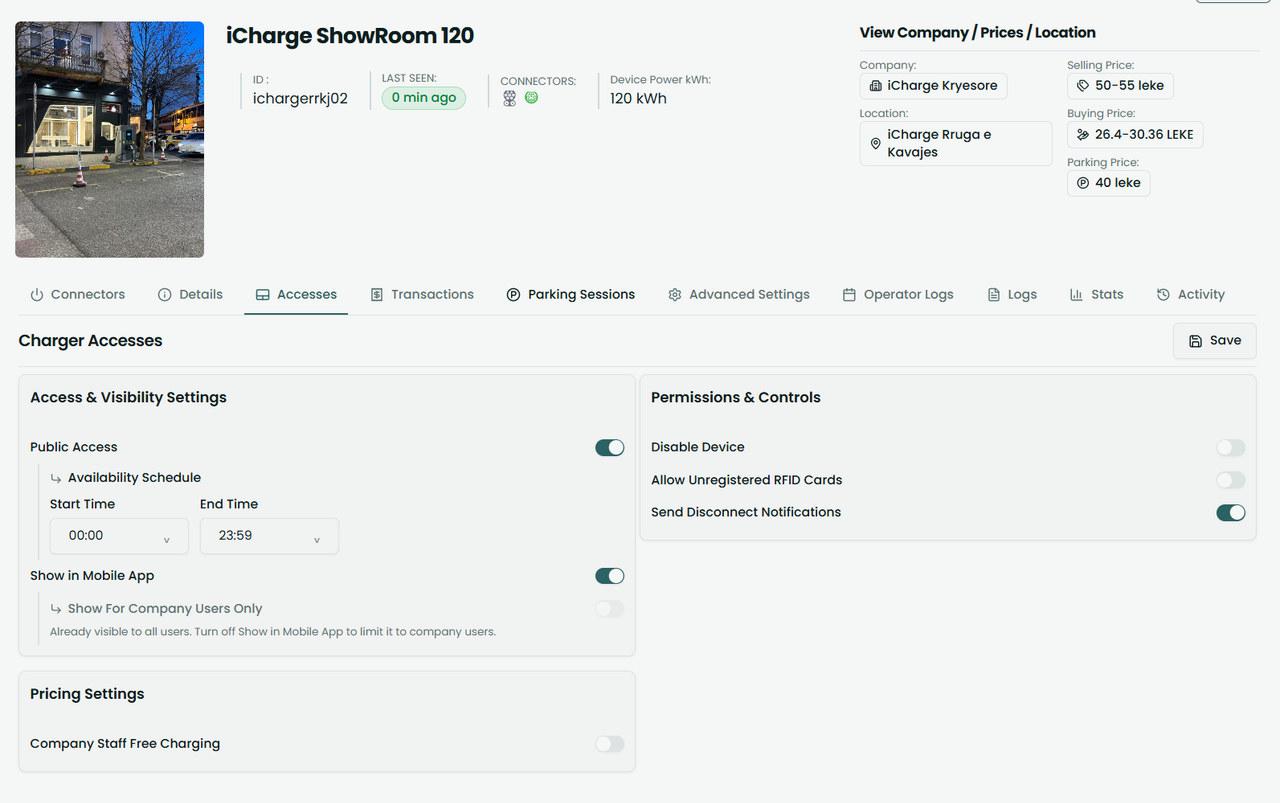
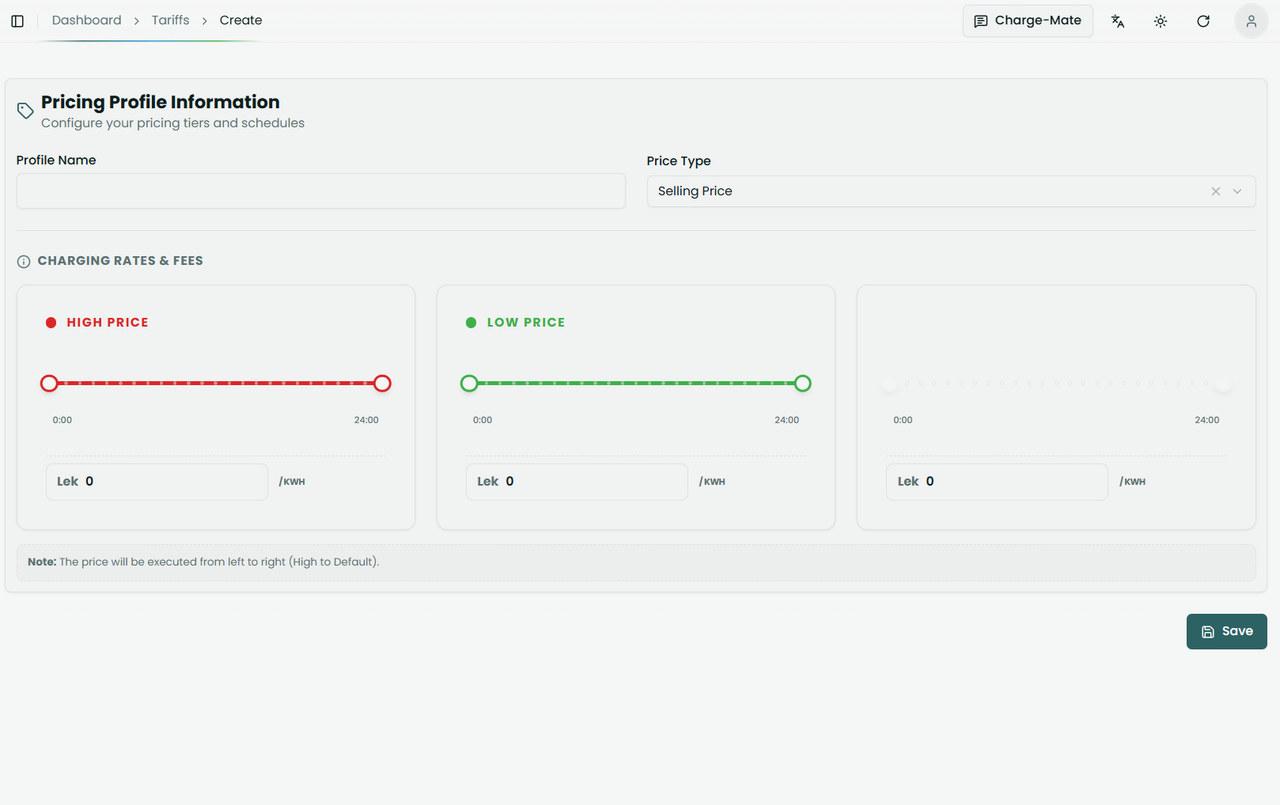
Price it for everyone else
Set what a passer-by pays per kWh or per minute, then press Publish.
Step 04
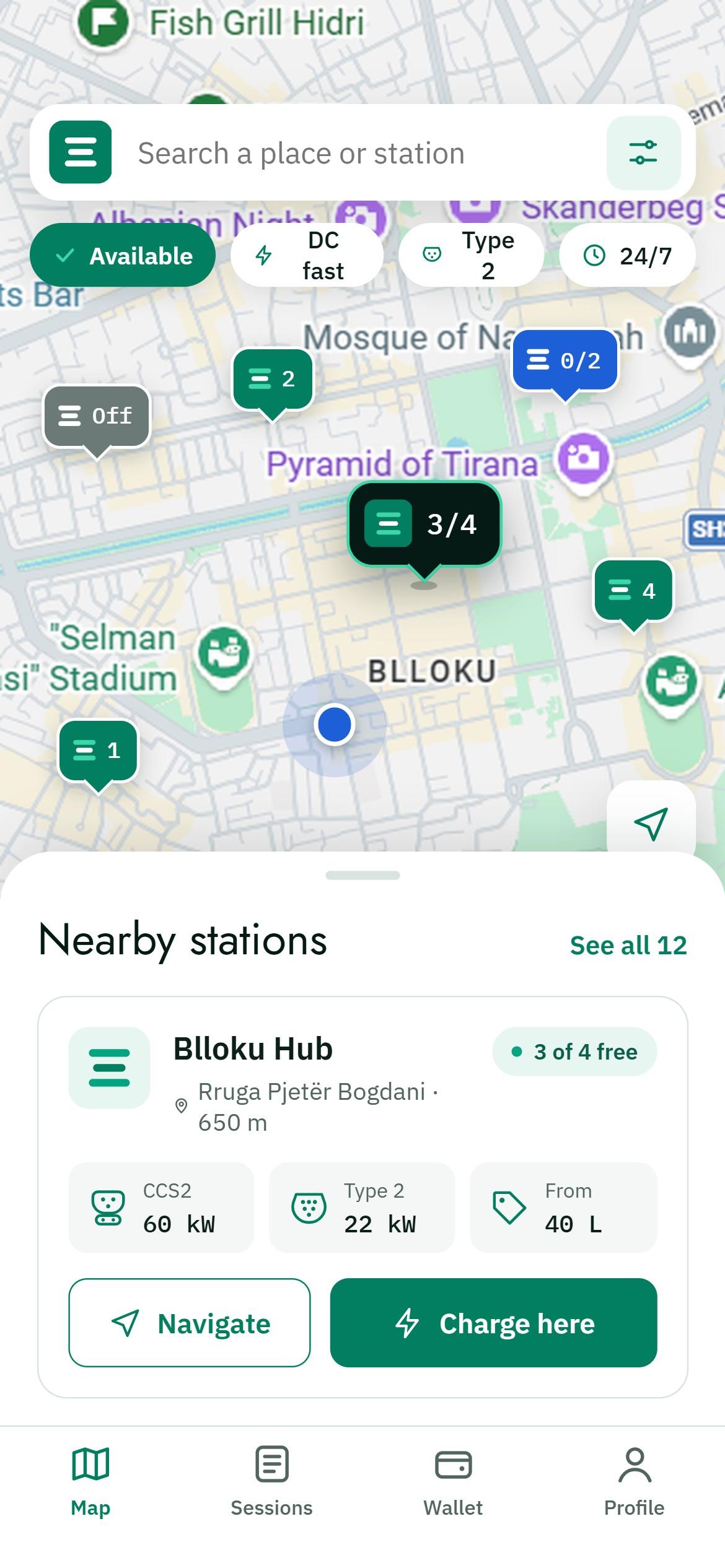
We bring the guests
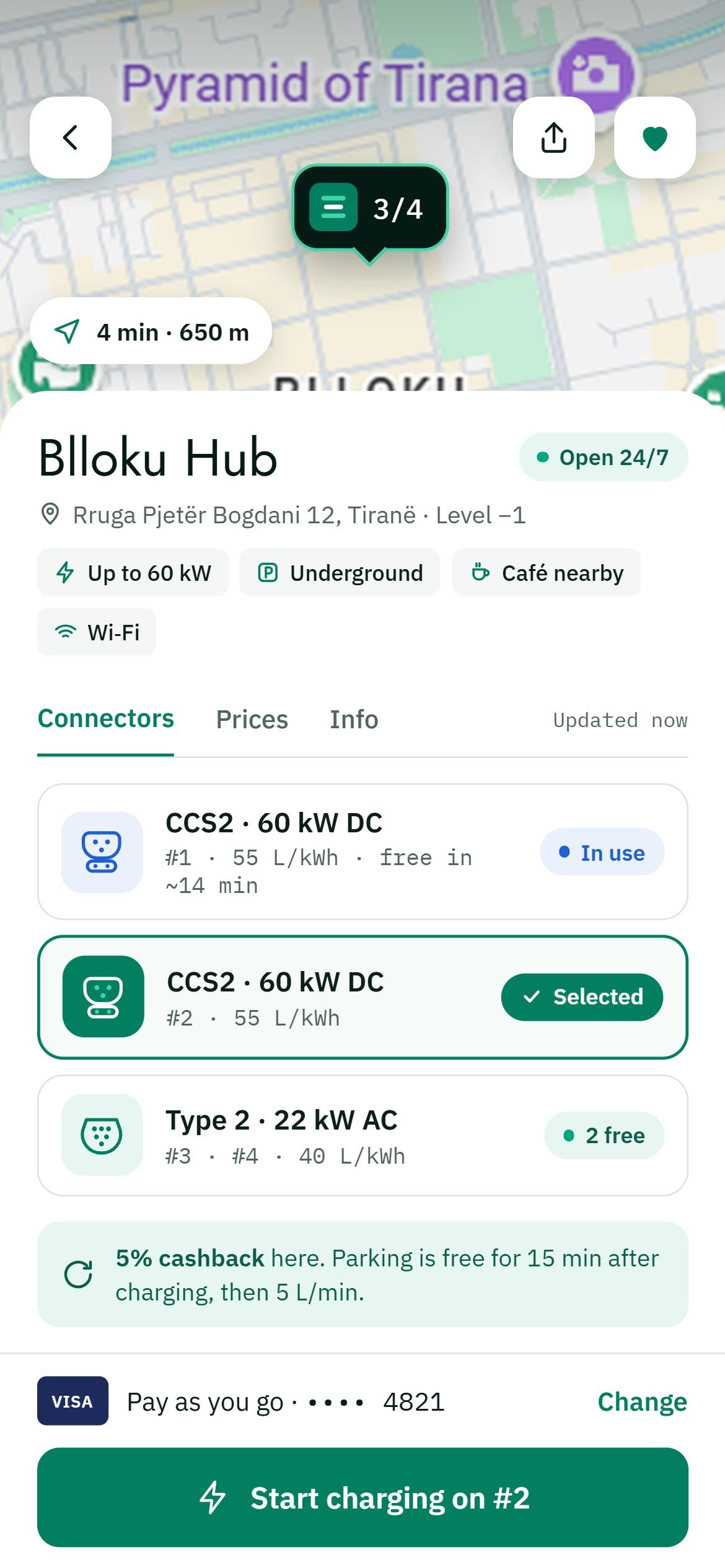
Your pin shows on Google Maps and roaming apps, and drivers plan the stop around it.
Step 01
Connect the charger
Any OCPP charger joins the panel in minutes — no gateway, no new hardware.
Step 02
Free for your guests
Reception hands over a code and the session is billed to your account at zero.
Step 03
Price it for everyone else
Set what a passer-by pays per kWh or per minute, then press Publish.
Step 04
We bring the guests
Your pin shows on Google Maps and roaming apps, and drivers plan the stop around it.
Two audiences, one charger
Free for your guests. Paid for everyone else.
Same bay, same cable, two sets of rules — and reception decides who charges on the house.
Your guests
room, table or booking
Everyone else
non-guests, passing drivers
Your guests
A code at reception, or added to the booking. The session is on the house and still lands in your reports.
- Zero price for guest sessions, billed to your account
- A code handed over at reception or added to the booking
- Guest kWh in the same monthly report as the rest
Everyone else
Passers-by and non-guests pay the price you set, from their own app. No cash at the desk, no one to chase.
- Your price per kWh or per minute
- Paid in the driver's own app — nothing for reception to collect
- Revenue paid into your account on the regular schedule
And you watch all of it from one panel.
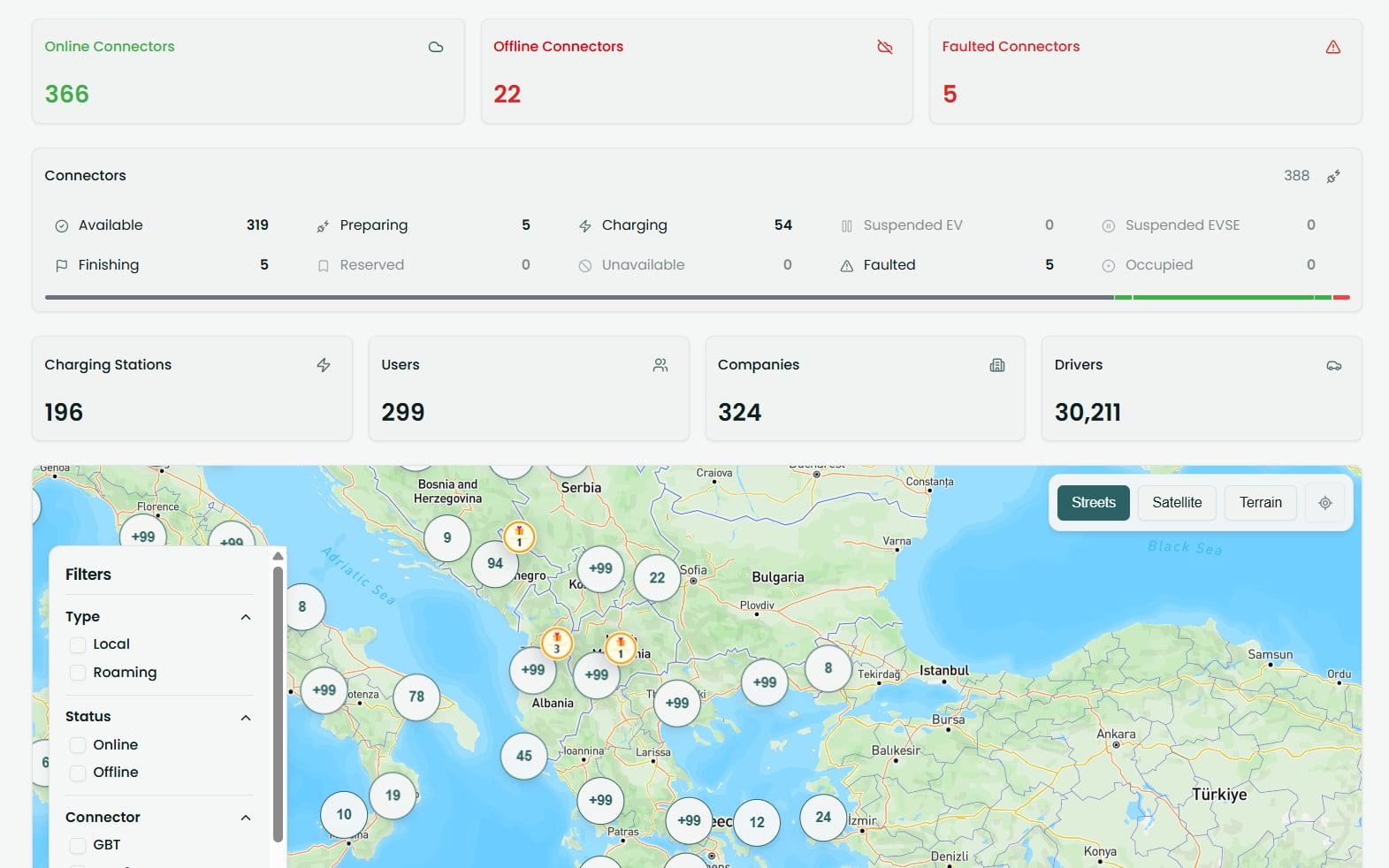
Guest sessions and paid sessions in the same place: who charged, how long, and what the charger earned.
- Live sessions and connector status
- Guest codes and access groups
- Prices, idle fees and time limits
- Payouts, monthly reports and exports
Our panel and app, or your own brand on both — White label
Guest hours and public hours on the same unit — switched by the clock, or by you.
Charging that works like hospitality
Guests should not think about it, and your staff should not have to run it.
Free for your guests
Hand over a code at reception or add it to the booking. The session is on the house and still lands in your reports.
Paid for everyone else
Non-guests pay your price from their own app — no cash at the desk, no one to chase.
Found before they book
Your charger shows on Google Maps and in roaming apps. Drivers plan the trip around places that have one.
Nothing for staff to learn
Drivers start and stop from their phone. Reception hands over a code, and that is the whole workflow.
Everything else works the same
Any OCPP charger, one-button publish, roaming and payouts — the platform underneath is the one every owner uses.